I know, I know – AI is stupid… but we shouldn’t be and LLM is a tool that we should get familiar with. That’s why JAS-MIN gets integration with AI in two modes – one-time batch processing and backend assistant.
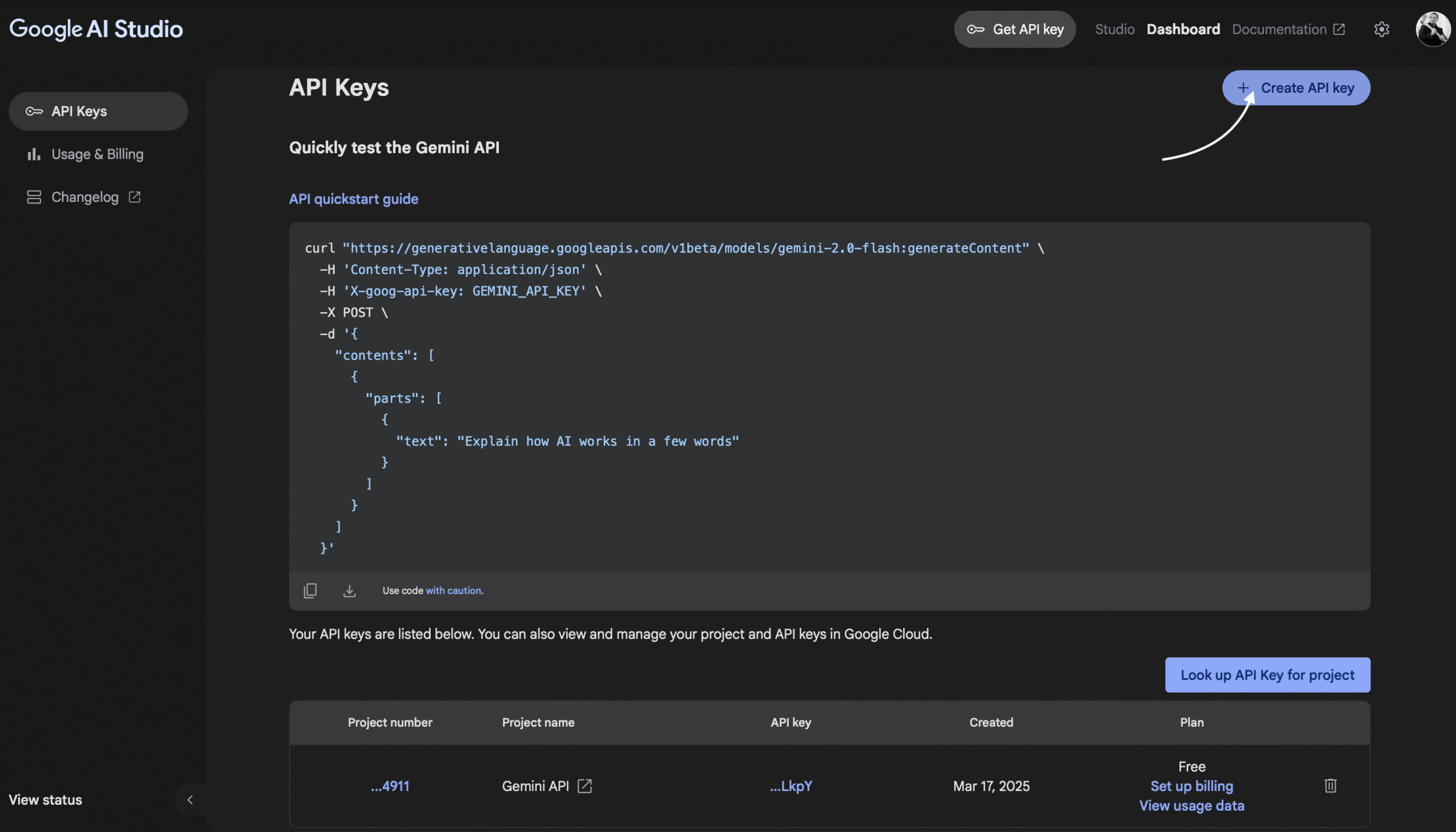
In this article we will focus on the first type of AI usage. Right now this mode is supported by JAS-MIN using Google models. If you want to start playing with them, you have to start by generating your API key.
inter@applerick jul % jas-min -d awrs --security-level=1 -W 10 -q --ai google:gemini-2.5-flash:EN✅ Loaded .env from JASMIN_HOME: "/Users/inter/ORA-600/scripts/oracle/audit_tools/performance/jasmin_home/.env"JAS-MIN v0.6.4 (Running with parallel degree: 4)==== PARSING DIRECTORY DATA ===[00:00:02] [########################################] 327/327 (100%) Starting output capture to: awrs.txt==== ANALYZING ======= DBCPU/DBTime ratio analysis ====Peaks are being analyzed based on specified ratio (default 0.666).The ratio is beaing calculated as DB CPU / DB Time.The lower the ratio the more sessions are waiting for resources other than CPU.If DB CPU = 2 and DB Time = 8 it means that on AVG 8 actice sessions are working but only 2 of them are actively working on CPU.Current ratio used to find peak periods is 0.666==== Median Absolute Deviation ==== MAD threshold = 7 MAD window size=10% (32 of probes out of 327)Analyzing a peak in awrs/awrrpt_1_1846_1847.html (03-Lip-25 02:00:01) for ratio: [11.30/355.40] = 0.03Analyzing a peak in awrs/awrrpt_1_1847_1848.html (03-Lip-25 03:00:10) for ratio: [11.70/348.50] = 0.03Analyzing a peak in awrs/awrrpt_1_1848_1849.html (03-Lip-25 04:00:19) for ratio: [12.10/374.20] = 0.03Analyzing a peak in awrs/awrrpt_1_1849_1850.html (03-Lip-25 05:00:28) for ratio: [12.10/384.50] = 0.03Analyzing a peak in awrs/awrrpt_1_1850_1851.html (03-Lip-25 06:00:37) for ratio: [11.70/471.30] = 0.02Analyzing a peak in awrs/awrrpt_1_1851_1852.html (03-Lip-25 07:00:45) for ratio: [16.50/667.90] = 0.02Analyzing a peak in awrs/awrrpt_1_1852_1853.html (03-Lip-25 08:00:57) for ratio: [13.90/910.80] = 0.02Analyzing a peak in awrs/awrrpt_1_1853_1854.html (03-Lip-25 09:00:05) for ratio: [15.50/1017.80] = 0.02Analyzing a peak in awrs/awrrpt_1_1854_1855.html (03-Lip-25 10:00:17) for ratio: [16.40/1080.90] = 0.02****Detecting anamalies using MAD sliding window****==== CREATING PLOTS ===Saved plots for Foreground events to 'awrs.html_reports/fg_*'Saved plots for Background events to 'awrs.html_reports/bg_*'Saved plots for SQLs to 'awrs.html_reports/sqlid_*'Saved plots for IO Stats to 'awrs.html_reports/iostats_*'==== PREPARING RESULTS ===Foreground Wait EventsBackground Wait EventsTOP SQLs by Elapsed time (SQL_ID or OLD_HASH_VALUE presented)StatisticsAnomalies SummaryGenerating Plots==== DONE ===JAS-MIN Report saved to: awrs.html_reports/jasmin_main.html=== Consulting Google Gemini model: gemini-2.5-flash ===Private reasonings.txt loaded from /ORA-600/jasmin_home/reasonings.txt✅ File uploaded! URI: https://generativelanguage.googleapis.com/v1beta/files/vyrc51t316ep✅ awrs.html_reports/jasmin_highlight.png uploaded! URI: https://generativelanguage.googleapis.com/v1beta/files/hqbvy1xo9o15✅ awrs.html_reports/jasmin_highlight2.png uploaded! URI: https://generativelanguage.googleapis.com/v1beta/files/jx3ktfzq7dyg✅ Got response!🍻 Gemini response written to file: awrs.txt_gemini.md✅ HTML file generated at: "awrs.txt_gemini.html"
58 LINESTEXT / UTF-8
Let’s break down the options:
-d awrs – parse directory containing AWR html files
–security-level=1 – default security level is 0 which means that no segment names nor SQL Text will be added to the report, with security level set to 1 segment names will be added and with 2 – also text of SQLs
-W 10 – sliding window for MAD algorithm will be set to 10% of probe data
-q – use quiet mode – suppresses output
–ai google:gemini-2.5-flash:EN – use vendor name google, model gemini-2.5-flash and output language should be English
If you want to understand more about the options and how to start with JAS-MIN, check those articles by Radek Kut:
There is one interning information provided by JAS-MIN:
Private reasonings.txt loaded from /ORA-600/jasmin_home/reasonings.txt
This means that JAS-MIN found file, named reasonings.txt which she than used to make the prompt for LLM reacher. You can put in this file whatever you want – for example:
- Focus on anomalies clusters which where detected using Median Absolute Deviation. ("DC:" is Dictionary Cache and "LC:" is Library Cache, "TM:" is Time Model)- In anomaly cluster take into considaration patterns of occuring latches - explain problematic latches and what is the meaning of correlation between latches, statistics and wait events - try to dig into your knowledge to decode latch names into something usefull and try to understand the reason of the problem- Show anomaly clusters- Show which period had the biggest amount of anomalies- Show which SQLs where in the same anomalie clusters as the heaviest wait events- Check the anomalies summary and try to find patterns - for example which STAT: had anomalies in the same time as some heavy SQLs and WAIT EVENTs
6 LINESTEXT / UTF-8
AI will be analyzing 3 files to produce the output:
awrs.txt – the format is directory_name.txt and it is the main file that is being analyzed by LLM – in this file you can find all analyzes that JAS-MIN is producing, all calculated statistics, detected anomalies and performance spikes.
awrs.html_reports/jasmin_highlight.png – first chart with load profile
awrs.html_reports/jasmin_highlight2.png – second chart with load profile
The output is provided in markdown format – awrs.txt_gemini.md and than it is converted into html.
You may notice that MOS notes numbers may be wrong right now, but we are working on limiting hallucinations 🙂
Now create your own reasonings.txt file and have fun, but beware ofAI hallucinations – this is just a tool that can make your analyzes faster, but only your own strong internal context can be used to verify the outcome.
We have no idea when Oracle 23ai will be released on premises. And it is a shame, since this database is offering a lot of great features that you probably would like to learn! One of the solutions is to use Or
A year ago I described the basics of checkpoint queue latches: After writing that article, I attended an excellent lecture by Mike Dietrich and Daniel Overby Hansen about noisy neighbors in a multitenant enviro